
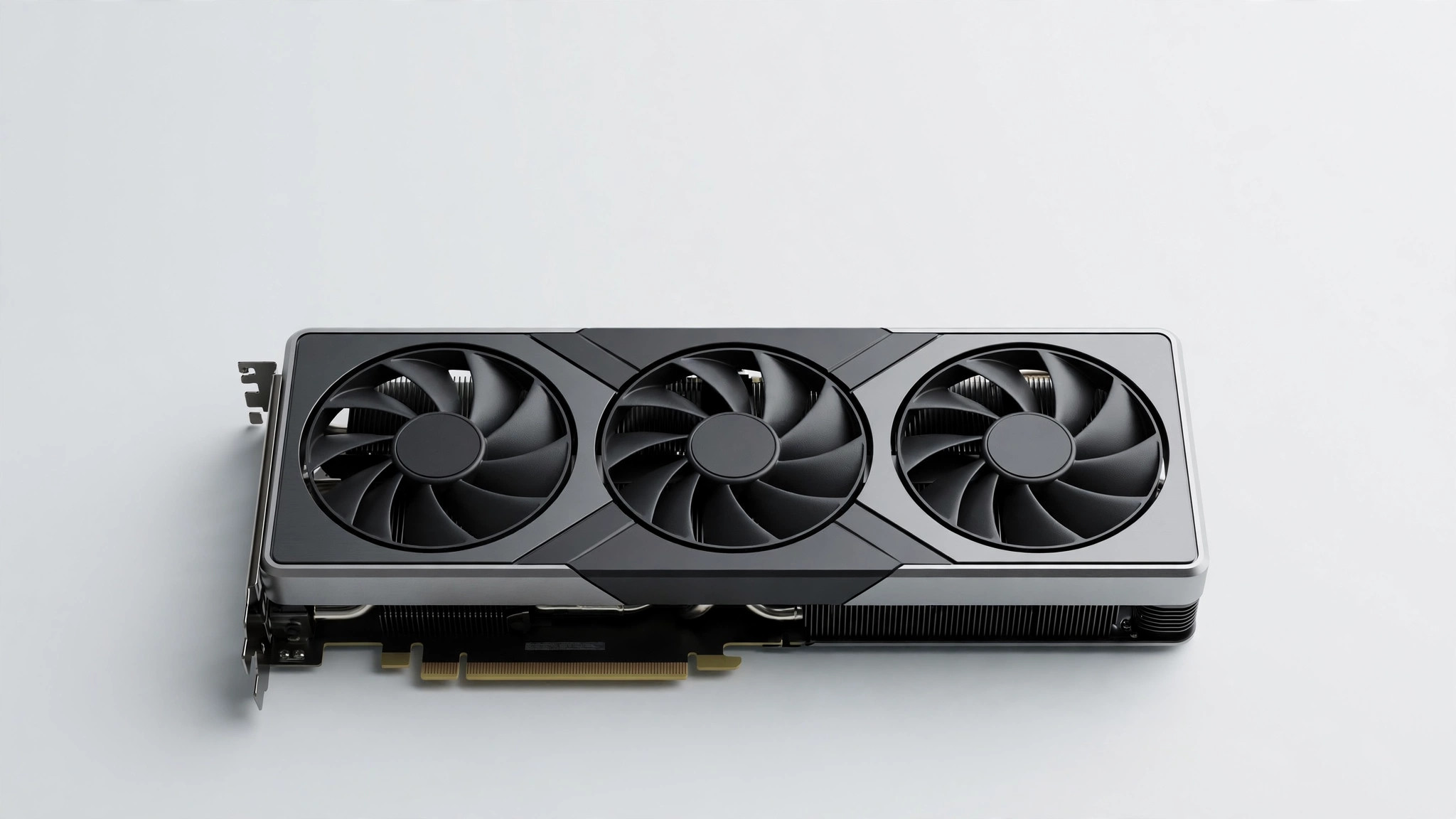
If you have ever wondered what is VRAM and what does it do in a graphics card, you are not alone. It is one of the first specs you see on every graphics card box, and it matters more than most people think. This guide explains it in plain words: what VRAM is, what it does while you play, how much you need, and what happens when you run out.
What Is VRAM?
VRAM stands for Video Random Access Memory. It is a special kind of memory that sits on the graphics card, right next to the graphics chip. Its only job is to hold the visual data the chip needs while it draws frames. When you play a game, the card loads textures, models, lighting data, and the frame itself into VRAM, so the chip can reach them in a fraction of a second.
VRAM is different from the RAM in your PC. System RAM holds data for the CPU and for every program you run. VRAM is reserved for graphics only, and it is much faster at moving large amounts of visual data. A graphics card with its own fast VRAM does not have to wait for the slower system memory, which is why games run smoothly.
Think of it this way: the graphics chip is the worker, and VRAM is the desk it works on. A bigger desk lets the worker keep more tools within reach. A small desk means the worker keeps putting tools away and fetching them again, which slows the job down. The size of the desk is the amount of VRAM, and the speed of the worker is the graphics chip. You need both to be good for the best result.
What Does VRAM Do in a Graphics Card?
VRAM does three main jobs while you play. First, it holds textures. Textures are the images wrapped around every surface in a game: the brick on a wall, the grass on the ground, the face of a character. Higher quality textures look better, but they take more memory. A game at ultra textures can use twice as much VRAM as the same game at medium textures.
Second, VRAM holds the frame buffer. This is the finished image the card sends to your monitor, plus a few frames it is working on. At higher resolutions, each frame is bigger. A 4K frame has four times as many pixels as a 1080p frame, so it needs four times the memory to hold. That is why high resolutions need more VRAM.
Third, VRAM holds extra data for effects such as shadows, reflections, and ray tracing. Ray tracing in particular stores a lot of data about how light moves through a scene. Turn it on, and VRAM use goes up. The same goes for anti-aliasing, which smooths the edges of objects, and for high-resolution texture packs that some games offer as optional downloads.
If you want to see how much VRAM your own card has and how much your games use, our guide on how to check what graphics card you have on Windows 11 shows you where to find the numbers, and our guide on how to check GPU temperature while gaming on Windows 11 shows you how to watch your card while you play.
How Much VRAM Do You Need?
The right amount depends on the resolution you play at and the settings you want. The table below gives a plain guide for gaming in 2026.
| Resolution | VRAM that works well | Notes |
|---|---|---|
| 1080p | 8GB | Enough for high settings in most games. Some very demanding games may want 12GB at ultra. |
| 1440p | 12GB | The sweet spot for 1440p. Handles high and ultra textures in most games. |
| 4K | 16GB or more | 4K frames and textures are large. 16GB gives you room for ultra settings. |
| 1440p or 4K with ray tracing | 16GB or more | Ray tracing adds a lot of extra data. More VRAM keeps it smooth. |
These are guides, not hard rules. Some games use less, some use more. Older games and esports titles use far less VRAM than new story-driven games. If you mostly play lighter games, you can get by with less. If you play the newest games at high settings, buy more.
VRAM needs also grow over time. Games released in 2026 use more memory than games from 2022, because textures get more detailed each year. A card with 12GB today will stay useful longer than a card with 8GB, even if both run today’s games well. If you keep a card for several years, extra VRAM is good insurance.

VRAM vs System RAM: What Is the Difference?
People often mix up VRAM and system RAM. Both are memory, but they do different jobs and you cannot swap one for the other.
System RAM is the memory your CPU uses. It holds the operating system, your open programs, and the data the CPU is working on. Most gaming PCs have 16GB or 32GB of system RAM. VRAM is the memory your graphics card uses. It holds only graphics data, and most cards have 8GB, 12GB, or 16GB of it.
The two are separate. Adding more system RAM does not give your graphics card more VRAM. If a game needs 10GB of VRAM and your card has 8GB, adding 16GB of system RAM will not fix it. The card will still run short, because it can only use its own VRAM for textures and frames.
That said, you need enough of both. A PC with 8GB of system RAM and a 12GB graphics card will still struggle, because the system itself runs short. For gaming in 2026, 16GB of system RAM is the minimum that feels comfortable, and 32GB is better if you run other programs while you play. You can read more about the parts of a gaming PC on our Blog.
Laptops work a little differently. Many laptops use integrated graphics, which has no VRAM of its own. It borrows a share of the system RAM instead. That is why a laptop with 8GB of system RAM and integrated graphics can feel slow in games: the graphics and the system are sharing the same small pool of memory. A laptop with a dedicated graphics card has its own VRAM, so the system RAM stays free for other work. If you game on a laptop, a dedicated card with its own VRAM makes a real difference.
What Happens When You Run Out of VRAM?
Running out of VRAM does not damage your card, but it makes games run badly. The card has to move data to and from the much slower system RAM, and that takes time. The result is stutter: the game runs smoothly for a moment, then freezes briefly, then runs smoothly again.
You may also see textures that look blurry or load late. You turn a corner in a game and the wall looks flat for a few seconds before the detail appears. In some games, the frame rate drops sharply when you look at a busy scene. In the worst cases, the game crashes.
The fix is to lower the texture quality one step, from ultra to high or from high to medium. That frees up VRAM right away, and the visual difference is often small. You can also lower the resolution, turn off ray tracing, or close other programs that use the graphics card. If the stutter only happens at ultra settings, your card is fine. It just needs a little less to hold at once.
Some games show a VRAM meter in the graphics settings. If the bar goes past your card’s amount, you are asking for more than the card holds. Turn settings down until the bar sits below your card’s limit. That one change usually fixes the stutter.
Does More VRAM Make Games Faster?
Not by itself. More VRAM lets you use higher textures and resolutions without stutter, but it does not raise your frame rate the way a faster graphics chip does. A card with 16GB of VRAM and a slow chip will still run games slowly. A card with 8GB of VRAM and a fast chip will run games fast, as long as the textures fit in 8GB.
The best way to think about it is that VRAM sets a limit, and the chip sets the speed. If you stay under the limit, the chip decides how fast the game runs. If you go over the limit, the game stutters no matter how fast the chip is. So you need enough VRAM for your settings, and a chip fast enough for your frame rate. One without the other does not work. When you shop for a card, check both numbers together rather than picking the card with the biggest memory number alone.
When you compare cards, look at both numbers. The VRAM tells you which settings and resolutions the card can handle. The chip tells you how many frames per second it can draw. Review sites such as the Tom’s Hardware GPU hierarchy rank cards by speed, and the TechPowerUp GPU database lists the VRAM of each card. Check both before you buy, and look at official specs on the NVIDIA GeForce and AMD graphics pages.
VRAM in Work Tasks, Not Just Games
VRAM matters outside games too. Video editing, 3D work, and local AI tools all use VRAM. Video editing at 4K uses a lot of memory to hold frames and effects. A card with 8GB can struggle with 4K timelines, while a 12GB or 16GB card handles them smoothly.
Local AI image tools load a model into VRAM before they can run. Small models fit in 8GB, but larger models need 12GB or 16GB. If the model does not fit, the tool either runs very slowly or refuses to start. If you plan to use your PC for AI work, VRAM is one of the most important specs to check.
For everyday tasks such as browsing, office work, and video streaming, VRAM hardly matters. Integrated graphics with shared memory handles those easily. VRAM only becomes important when the work is visual and heavy: games, editing, 3D, and AI.
Conclusion
VRAM is the fast memory on your graphics card that holds textures, frames, and visual effects while you play. It decides how much detail your card can hold at once. For 1080p gaming, 8GB is usually enough. For 1440p, aim for 12GB. For 4K and ray tracing, 16GB or more is the safe choice. More VRAM does not make games faster on its own, but too little VRAM causes stutter and blurry textures. You cannot add VRAM later, so pick a card with enough memory for the games you play and the settings you want.
Frequently Asked Questions
What is VRAM in simple words?
VRAM is the fast memory on a graphics card. It stores the textures, frames, and visual data the card needs to draw what you see on screen. More VRAM means the card can hold more detail at once, which keeps games smooth at higher settings and resolutions.
Is 8GB of VRAM enough in 2026?
For 1080p gaming, yes, in most games. For 1440p, 8GB works if you keep textures at high instead of ultra. For 4K or ray tracing, 8GB is not enough. If you are buying a new card in 2026, 12GB is a safer choice.
Can I add more VRAM to my graphics card?
No. VRAM is built into the card and cannot be upgraded. The only way to get more VRAM is to buy a different graphics card with more memory. That is why it is worth choosing the right amount when you buy.
Does VRAM affect FPS?
It affects smoothness more than speed. If you have enough VRAM, your frame rate depends on the graphics chip. If you run out of VRAM, the game stutters and the frame rate drops. So enough VRAM is needed for a stable frame rate, but extra VRAM beyond what the game needs does not raise the frame rate.
How do I check how much VRAM my card has?
Open Task Manager with Ctrl + Shift + Esc, click the Performance tab, then click GPU. The amount of dedicated GPU memory is shown there. You can also see it in dxdiag under the Display tab, or in your card maker’s app.
Henry is the founder and writer behind GPUGuides, based in Los Angeles, California, USA. He writes practical, step-by-step GPU guides in plain English to help gamers and PC owners get the best out of their graphics cards.


3 thoughts on “What Is VRAM and What Does It Do in a Graphics Card”