
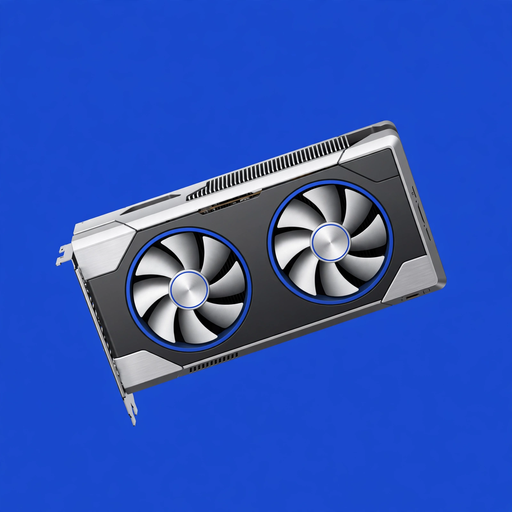
GPUGuides publishes free GPU guides for graphics cards. No jargon for its own sake and no hype — just clear help to pick the right GPU, install it safely, and fix it when something goes wrong.
Start here: pick the right GPU
Start with your monitor, your games or apps, and your budget — not with the most expensive card on the shelf. A GPU that matches your resolution and power supply will beat an oversized card that your system cannot feed. Our Blog covers every topic below in plain, step-by-step guides, all in the General Blog category.
GPU topics we cover
- Best GPUs — the best graphics cards for 1080p, 1440p, and 4K gaming, at different budgets.
- Comparisons — head-to-head GPU comparisons, so you can see what the extra money actually buys.
- VRAM — how much video memory you really need, and when more VRAM stops helping.
- PSU and bottleneck — power-supply wattage, connectors, and whether your CPU will hold a new GPU back.
- Troubleshooting — black screens, crashes, overheating, driver problems, and low frame rates, fixed step by step.
- AI and creator GPUs — graphics cards for AI work, video editing, 3D rendering, and streaming.
Which GPU do you need?
| What you do | What matters most | Where to start |
|---|---|---|
| 1080p gaming | Price, 8 GB VRAM, power draw | Best GPUs for 1080p |
| 1440p gaming | 12 GB VRAM, ray tracing, cooling | Best GPUs for 1440p |
| 4K gaming | 16 GB+ VRAM, strong cooling, PSU headroom | Best GPUs for 4K |
| AI and creating | VRAM, CUDA/ROCm support, drivers | GPUs for AI and creators |
Check the official specs first
Before you buy, always check the manufacturer’s own specification page for VRAM, power requirements, and dimensions. See NVIDIA GeForce, AMD Radeon graphics, and TechPowerUp GPU Database for independent specifications.
Your next step
Browse the Blog for the latest guides, learn more About Us, or Contact Us at [email protected] if you have a GPU question or a topic you would like us to cover.