

You spent good money on a powerful graphics card, installed it carefully, launched your favourite game, and the frame rate is still disappointing. It feels unfair. A good graphics card should mean smooth gaming, yet here you are watching the FPS counter sit at 40 while your friend’s supposedly weaker card runs the same game at 90. If that sounds familiar, you are not alone, and the problem is almost never the card itself. Learning how to fix low FPS with a good graphics card starts with understanding that the GPU is only one part of the system, and any one of the other parts can hold it back.
In this guide, you will learn how to find the real reason your frame rate is low, and how to fix it step by step. We will cover bottlenecks, settings, drivers, temperatures, memory, and the free features that can add frames without a hardware upgrade. Work through the fixes in order, and check your frame rate after each one.
Why a Good Graphics Card Can Still Give Low FPS
A graphics card does not work alone. It depends on the CPU to prepare each frame, on the RAM to hold game data, on the storage drive to load textures, and on the power supply to deliver stable electricity. If any of those is too slow, the graphics card spends its time waiting instead of rendering, and your frame rate stays low even though the GPU itself is barely working. This is called a bottleneck, and it is the most common reason a good card performs badly.
Other causes are just as common. A driver problem can stop the card from running at full speed. A card that is overheating will slow itself down to protect itself. A game running at 4K with ultra settings will bring even a flagship card to its knees. And sometimes the problem is not the hardware at all: a background app, a Windows setting, or a power plan can quietly steal performance. The fixes below address all of these, starting with the most important step of all, which is finding out what is actually wrong.
First, Find the Real Bottleneck
Guessing wastes time. Before you change anything, measure what your system is doing while you play. Install MSI Afterburner with RivaTuner Statistics Server, which is free and works with every graphics card, and set it to show GPU usage, CPU usage, GPU temperature, RAM usage, and frame rate on screen. Then play the game that is running slowly for a few minutes and watch the numbers.
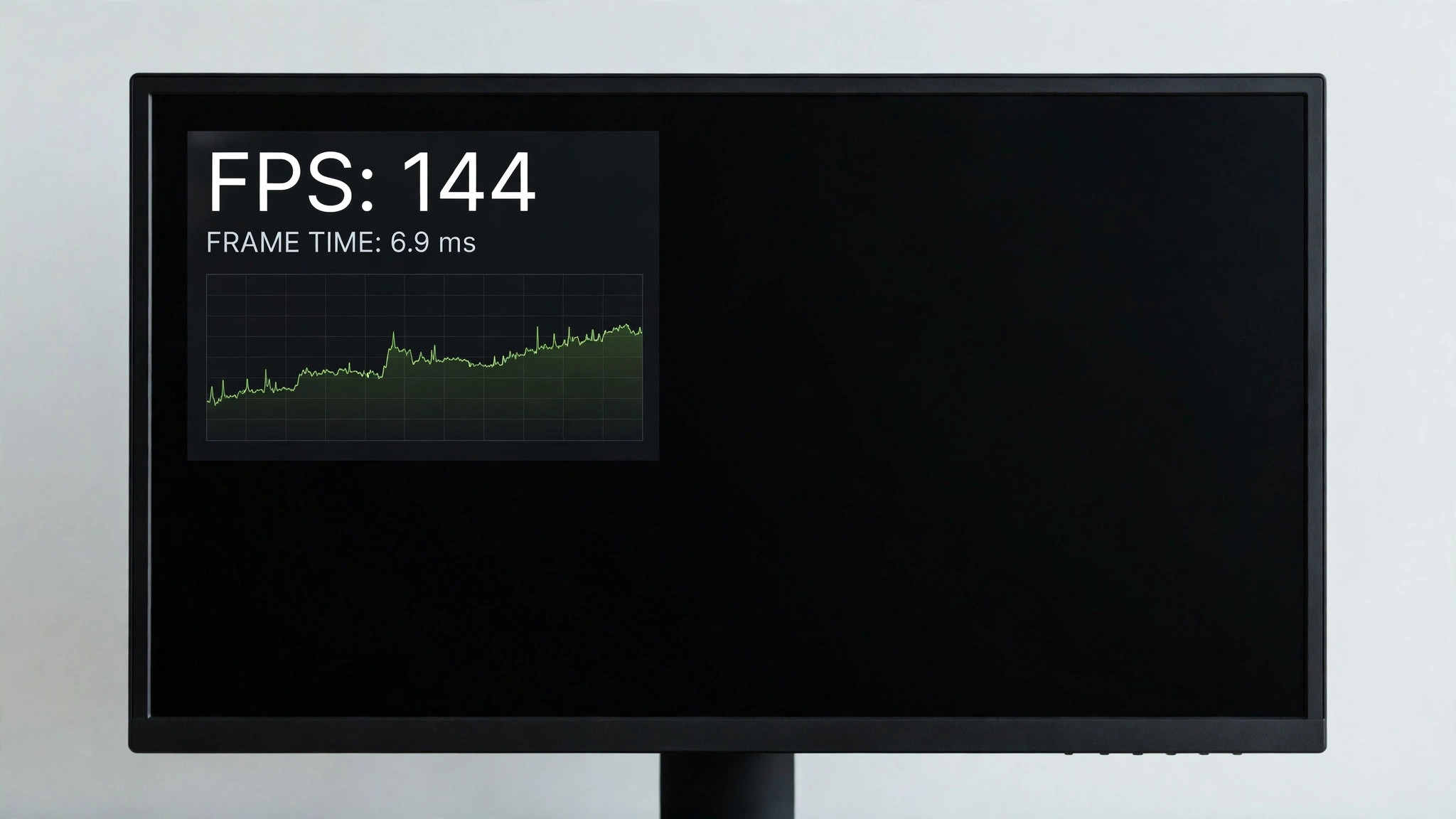
The GPU usage number tells you the most. If it is at 95 to 100 percent and your frame rate is low, the graphics card is working as hard as it can, and the game is simply too demanding for your settings. Lower the resolution or the graphics quality and the frame rate will rise. If GPU usage is low, say 50 to 60 percent, while your frame rate is also low, the graphics card is waiting for something else, and that something is the bottleneck. If CPU usage is very high at the same time, the CPU is the problem. If the GPU temperature is above 85 degrees, the card is thermal throttling. Write down what you see, because it decides which of the fixes below will actually help. For a deeper look at measuring performance properly, our guide on how to test GPU performance and benchmark it correctly explains the tools and the numbers in detail.
Fix 1: Check Your Settings and Resolution
The fastest fix for low FPS is also the most obvious: your settings may simply be too high for the frame rate you want. Resolution has the biggest effect of all. Running a game at 4K uses roughly four times the GPU power of 1080p, and twice as much as 1440p. If you are playing at 4K and getting 40 FPS, dropping to 1440p can easily take you past 60. After resolution, the settings that cost the most performance are ray tracing, shadow quality, and volumetric lighting. Turn ray tracing off or to a low setting first, then drop shadows from Ultra to High. You will barely notice the difference while playing, but your frame rate can jump by 20 to 30 percent. Texture quality, by contrast, mostly affects VRAM rather than frame rate, so you can usually leave textures high if you have enough memory. If you want to know how much memory your games actually use, our guide on how to check GPU VRAM usage while gaming shows you how to measure it.
Fix 2: Update or Reinstall Your Drivers
Out-of-date or corrupted drivers are one of the most common causes of low FPS on a good card. Graphics card makers release new drivers every few weeks, and they often include performance improvements for new games, sometimes 10 percent or more. Download the latest driver from NVIDIA or AMD, install it, and restart your PC. If the problem started right after a driver update, the new driver may be the cause, in which case a clean reinstall is the fix. Use Display Driver Uninstaller (DDU) from Guru3D to remove every trace of the old driver in Safe Mode, then install the new driver fresh. Our guide to updating GPU drivers safely walks through the process without the usual risks. Also check that Windows has not replaced your graphics driver with a generic one, which can happen after a major update. In Device Manager, your card should be listed by its proper name, not as Microsoft Basic Display Adapter.
Fix 3: Close Background Apps and Check for Malware
Your graphics card can only do so much if other programs are stealing CPU time and memory. Before you play, close your browser, especially if it has many tabs open, and close streaming apps, cloud sync tools, and anything else you do not need. Check Task Manager for anything using a lot of CPU or memory, and pay attention to programs you do not recognise. Cryptocurrency miners installed by malware are a real cause of low FPS: they use your graphics card in the background and can cut your frame rate in half. Run a full scan with Windows Defender or your antivirus, and check GPU usage in Task Manager while the PC is idle. If the GPU is busy when nothing is running, something is using it, and you need to find out what. Also turn off Windows Game Bar recording and background recording if you do not use them, because they cost a few frames.
Fix 4: Check Your Temperatures and Power
A graphics card that runs too hot slows itself down, and that is one of the most common reasons a good card gives low FPS. Most cards start throttling at around 83 to 85 degrees Celsius, and they can lose a large amount of performance by the time they reach 90. Open your monitoring overlay and watch the GPU temperature during a game. If it is regularly above 85 degrees, clean the dust out of the card and the case with compressed air, check that the case fans are spinning and blowing the right way, and make sure the PC is not pushed against a wall where hot air cannot escape. You can also set a more aggressive fan curve in MSI Afterburner. Our guide on checking GPU temperature while gaming explains the safe ranges in detail. Power matters too: a card that does not get enough power will not run at full speed. Check that all power connectors are plugged in firmly, that you are using two separate power cables from the power supply rather than one split cable, and that your power supply meets the card’s minimum wattage. If your PC crashes or the screen goes black under load, the power supply is the first thing to suspect.
Fix 5: Check Your RAM and Storage
Slow or insufficient memory can hold back even the best graphics card. If your PC has only 8GB of RAM, modern games will struggle, because Windows and the game together use most of it, and the system starts swapping data to the storage drive, which is far slower. 16GB is the realistic minimum for gaming in 2026, and 32GB gives you comfortable headroom. Also check that your RAM is running at its rated speed: open Task Manager, go to Performance, then Memory, and check the speed. If your 3200MHz RAM is running at 2133MHz, enable XMP or EXPO in the BIOS, which can add a noticeable number of frames in CPU-heavy games. Storage matters as well. A game installed on an old hard drive will stutter when it loads textures and levels, because the drive cannot deliver data fast enough. Move your games to an SSD if you can, and keep at least 10 percent of the drive free, because a nearly full SSD slows down too.
Fix 6: Turn On Upscaling and Frame Generation
If your hardware is fine but a game is still too demanding, upscaling and frame generation can add a large number of frames for free. DLSS on NVIDIA cards and FSR on AMD cards render the game at a lower internal resolution and upscale the image, which can add 30 to 50 percent more frames with barely any visible difference at Quality mode. Frame generation goes further: it creates extra frames between the ones your card renders, and it can double your displayed frame rate. Our guide on what frame generation is and how it works explains when it helps and when it adds too much input lag. These features are not cheating, and they are not a sign of a weak card. They are built into modern games precisely because they make demanding titles playable, and using them is the sensible choice when raw performance is not enough.
Fix 7: Check Windows and Game Settings
Windows has several settings that affect gaming performance, and they are easy to get wrong. Open Settings, go to Gaming, and turn on Game Mode, which tells Windows to prioritise your game over background tasks. In the same section, check that Hardware-accelerated GPU scheduling is on, which can improve performance slightly on modern cards. Then go to System, Display, Graphics, and make sure your games are set to High performance, which forces Windows to use your dedicated graphics card rather than integrated graphics. Also check your Windows power plan: open Control Panel, go to Power Options, and choose High performance or Balanced, not Power saver, because the power saver plan limits your CPU and GPU. Finally, check the game’s own settings for a frame rate limit. Some games ship with a default cap of 30 or 60 FPS, and if you never changed it, the game will never go faster no matter how good your hardware is.
When Low FPS Means a Hardware Problem
If you have worked through every fix and the frame rate is still low, the problem may be the hardware itself. A graphics card with a failing fan will overheat and throttle, and a card with failing memory will show artefacts and crashes alongside low frame rates. A CPU that is too old for your card will bottleneck every game you play, and the only fix is a CPU upgrade. A power supply that cannot deliver enough stable power will cause the card to run below its rated speed. To tell the difference between a settings problem and a hardware problem, run a benchmark and compare your score with the average for your exact card model. If your score is close to average but your games are slow, the problem is settings or software. If your benchmark score is far below average, the hardware is the problem. Our guide on why a GPU is not detected in Windows covers the hardware checks that apply when a card is misbehaving, and if the card is still under warranty, a failing card may be repaired or replaced for free.
Conclusion
Low FPS with a good graphics card is frustrating, but it is almost always fixable. Start by measuring: check GPU usage, CPU usage, and temperatures while you play, and let the numbers tell you where the bottleneck is. Then work through the fixes that match what you found: lower the most expensive settings, update your drivers, clean out the dust, close background apps, and turn on upscaling or frame generation. In most cases, one of these steps will recover the performance you paid for, and you will not need to buy anything at all.
FAQs
Why is my FPS low with a good graphics card?
The most common reasons are a CPU bottleneck, overheating, out-of-date drivers, settings that are too high for your resolution, or background apps using up resources. Check GPU usage while you play: if it is low while your frame rate is also low, something else is holding the system back.
How do I fix low FPS on a high-end PC?
First, find the bottleneck with an overlay such as MSI Afterburner. Then lower the most expensive settings such as ray tracing and shadows, update your GPU drivers, clean the dust out of your PC, close background apps, and turn on DLSS or FSR upscaling. If the CPU is the bottleneck, lowering settings will not help, and a CPU upgrade may be needed.
Can a CPU bottleneck cause low FPS with a good GPU?
Yes. If the CPU cannot prepare frames fast enough, the graphics card waits for it and your frame rate stays low even though the GPU is barely working. This is most common at 1080p, where the GPU finishes frames quickly and the CPU becomes the limiting factor. It is also common with older CPUs paired with new graphics cards.
Does RAM affect FPS?
Yes. Too little RAM, such as 8GB in a modern game, causes stuttering and low frame rates as the system swaps data to the storage drive. Slow RAM running below its rated speed can also cost frames, especially in CPU-heavy games. 16GB of RAM running at its rated speed with XMP or EXPO enabled is the recommended minimum for gaming in 2026.
Why is my FPS low in one game but fine in others?
Different games stress different parts of your PC. A game that is poorly optimised, very CPU-heavy, or running with ray tracing on can give low FPS even on a powerful card, while other games run fine. Check that game’s settings, update your drivers, and try the in-game benchmark if it has one. If only one game is affected, the problem is almost certainly that game’s settings or optimisation, not your hardware.
Henry is the founder and writer behind GPUGuides, based in Los Angeles, California, USA. He writes practical, step-by-step GPU guides in plain English to help gamers and PC owners get the best out of their graphics cards.

