Skip to content
GPUGuides

GPUGuides

  • Home
  • GPU Basics
  • GPU Setup & Optimization
  • Fixes & Troubleshooting
  • About Us
  • Contact Us
PC monitor showing a game with a high frame rate counter and frame generation
  • GPU Basics

What Is Frame Generation and How Does It Work

Henry9 hours ago8 hours ago021 mins

You have probably seen the numbers: a game that ran at 60 frames per second suddenly reports 120, or even 200, after a single settings change. No new graphics card, no overclock, just a feature switched on. That feature is frame generation, and it has become one of the biggest talking points in PC gaming…

Read More
PC monitor showing a game with horizontal screen tearing
  • Fixes & Troubleshooting

How to Fix Screen Tearing Without VSync

Henry9 hours ago8 hours ago023 mins

You are in the middle of a fast turn in your favourite game when the image suddenly splits. The top half of the screen shows one moment, the bottom half shows another, and a jagged line runs across the middle. That is screen tearing, and it is one of the most annoying visual problems in…

Read More
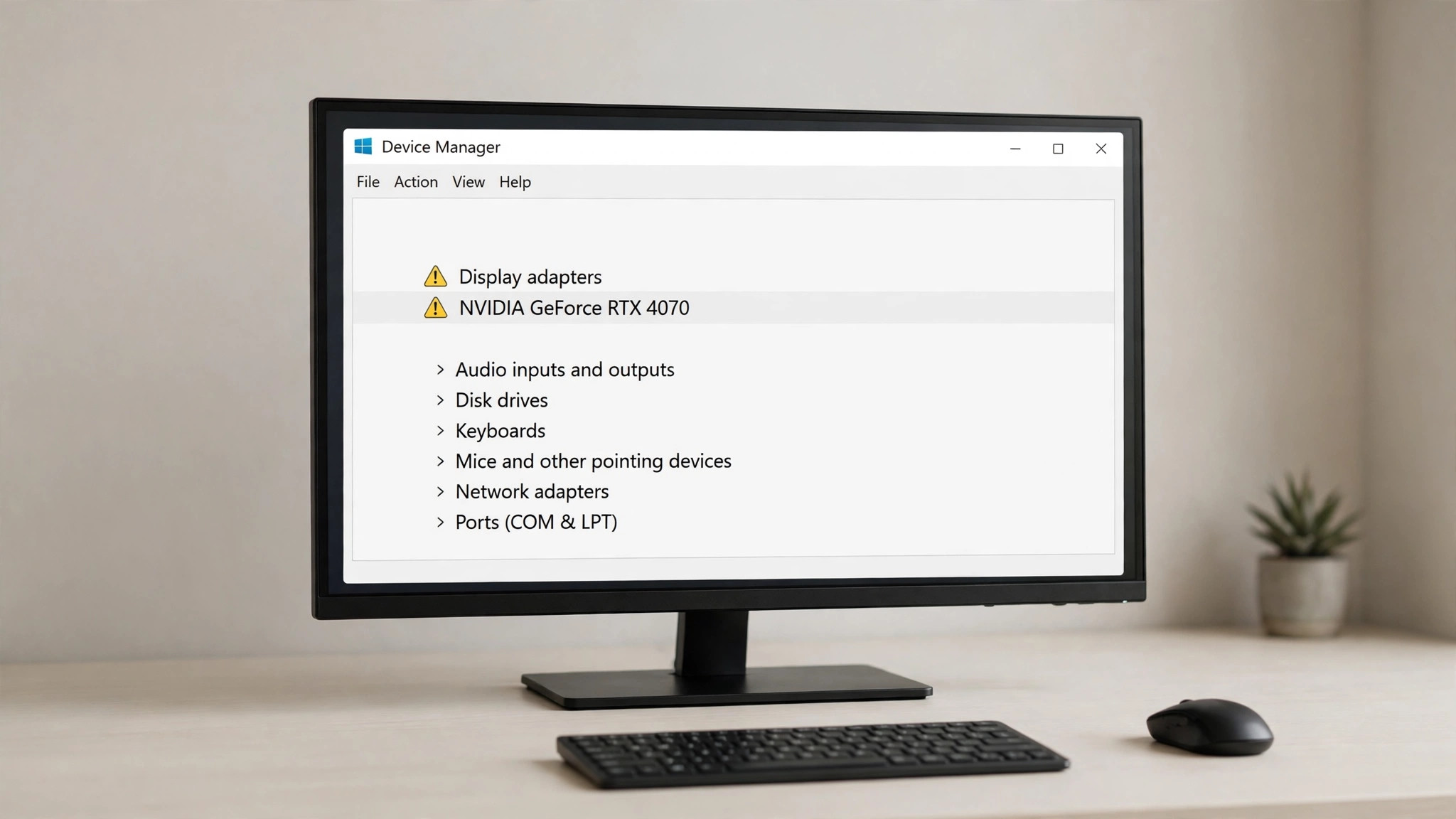
PC monitor showing Windows Device Manager with a graphics card warning
  • Fixes & Troubleshooting

Why Is My GPU Not Detected in Windows and How to Fix It

Henry9 hours ago8 hours ago126 mins

You press the power button, the fans spin up, the screen lights up, and then you notice something is wrong. Your games run terribly, your monitor is stuck at a low resolution, or Device Manager shows no graphics card at all. A GPU not detected in Windows leaves the computer running on basic display drivers…

Read More
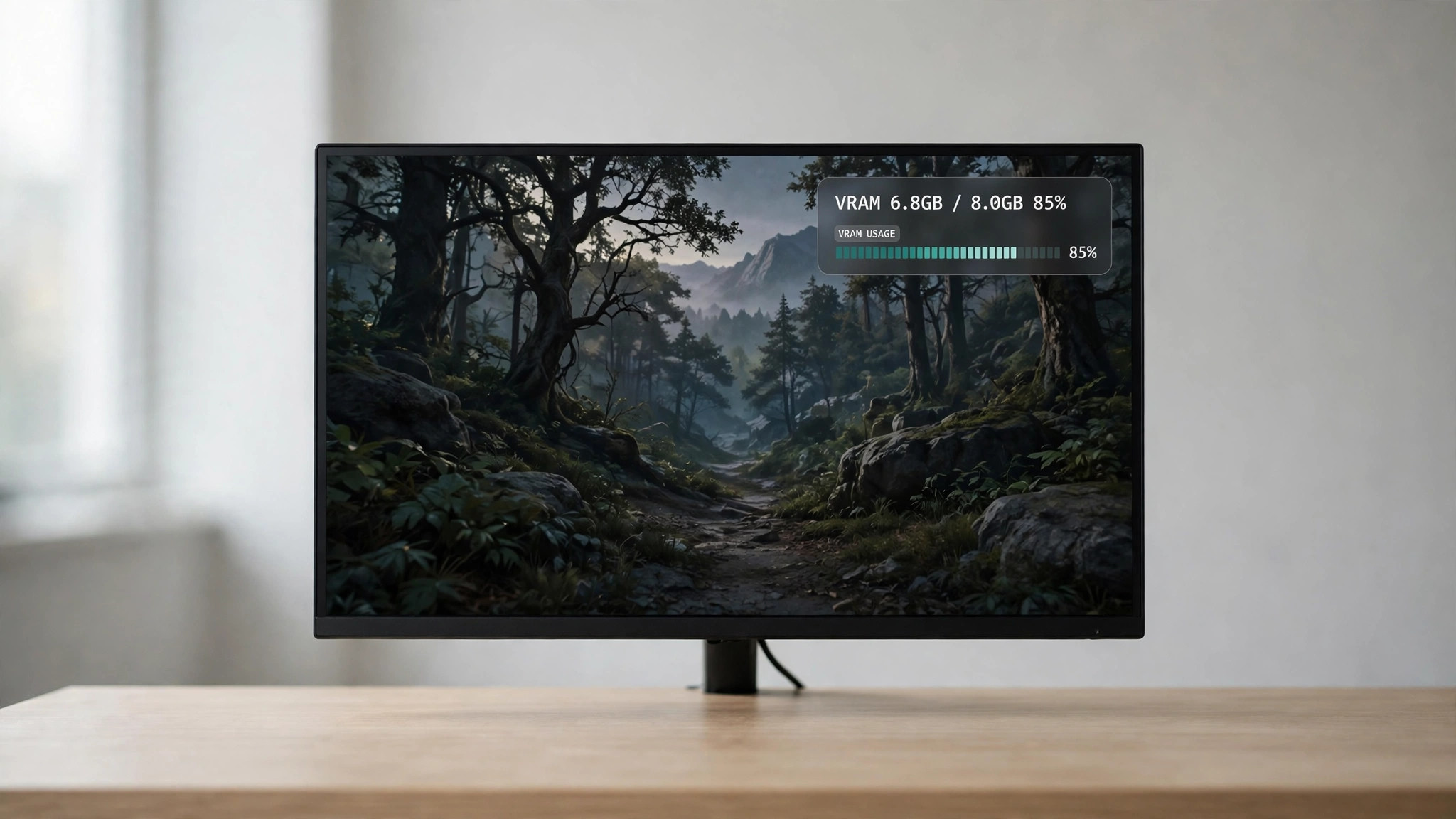
PC monitor showing a game with a VRAM usage overlay
  • GPU Basics

How to Check GPU VRAM Usage While Gaming

Henry10 hours ago8 hours ago224 mins

Have you ever wondered why a game stutters even though your frame rate looks fine on paper? The answer is often video memory. When your graphics card runs out of VRAM, it has to shuffle textures and data back and forth to your system RAM, and that is exactly when the hitching starts. The good…

Read More
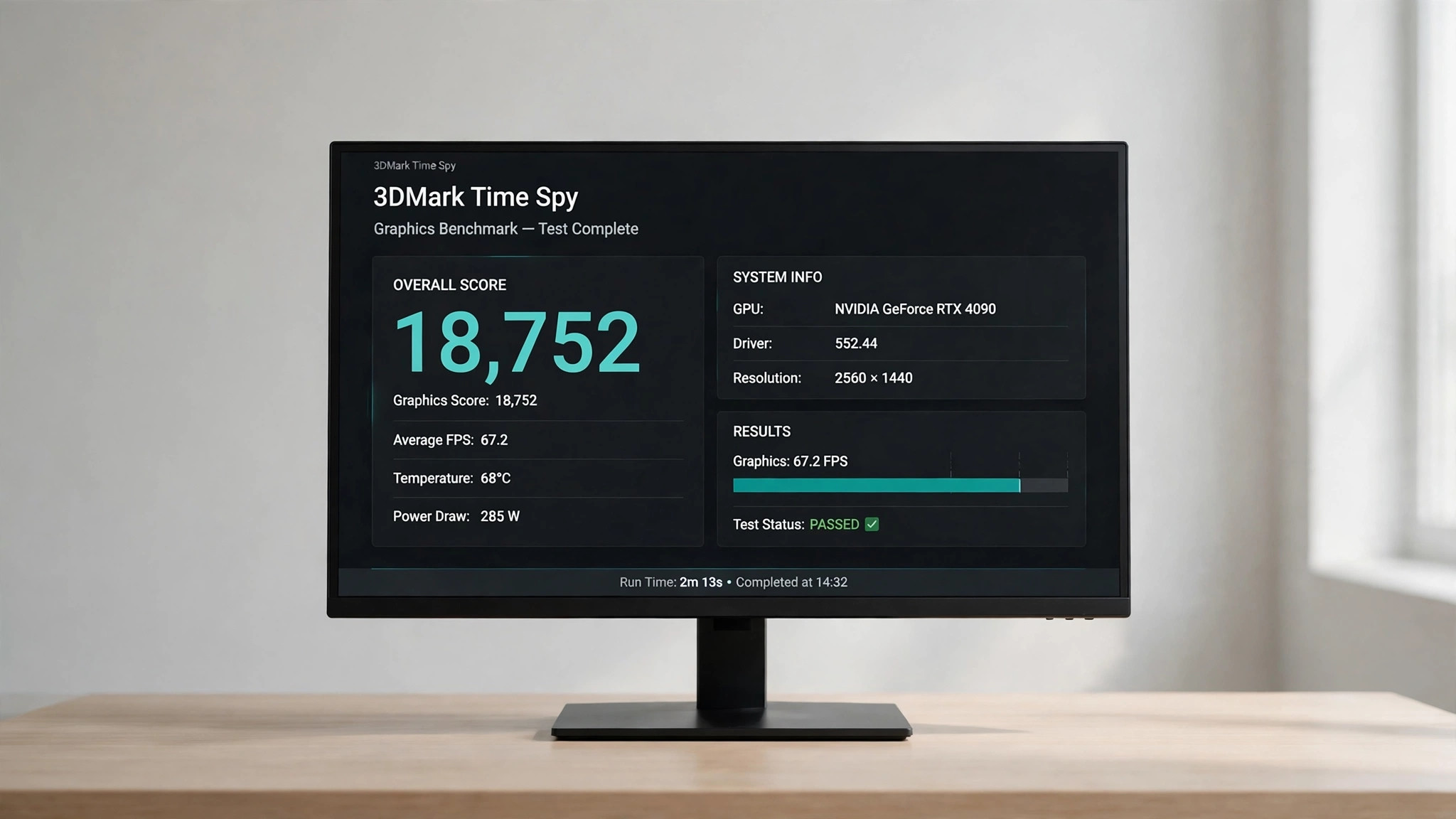
PC monitor showing GPU benchmark software running a graphics test
  • GPU Basics

How to Test GPU Performance and Benchmark It Correctly

Henry10 hours ago8 hours ago732 mins

Your graphics card is the most expensive part of most gaming PCs, so it makes sense to know exactly what it can do. Testing GPU performance tells you whether your card is running the way it should, whether an upgrade actually helped, and whether a game is struggling because of your graphics card or something…

Read More
PC monitor showing AMD FSR graphics settings in a game
  • GPU Basics

What Is FSR and How Does It Work? AMD Upscaling Explained

Henry11 hours ago8 hours ago124 mins

You open a new game, turn on AMD FSR, and your frame rate jumps. The game runs smoother, but what did you just turn on? If you have ever asked what is FSR and how does it work, you are not alone. FSR is one of the most useful graphics settings on AMD cards, and…

Read More
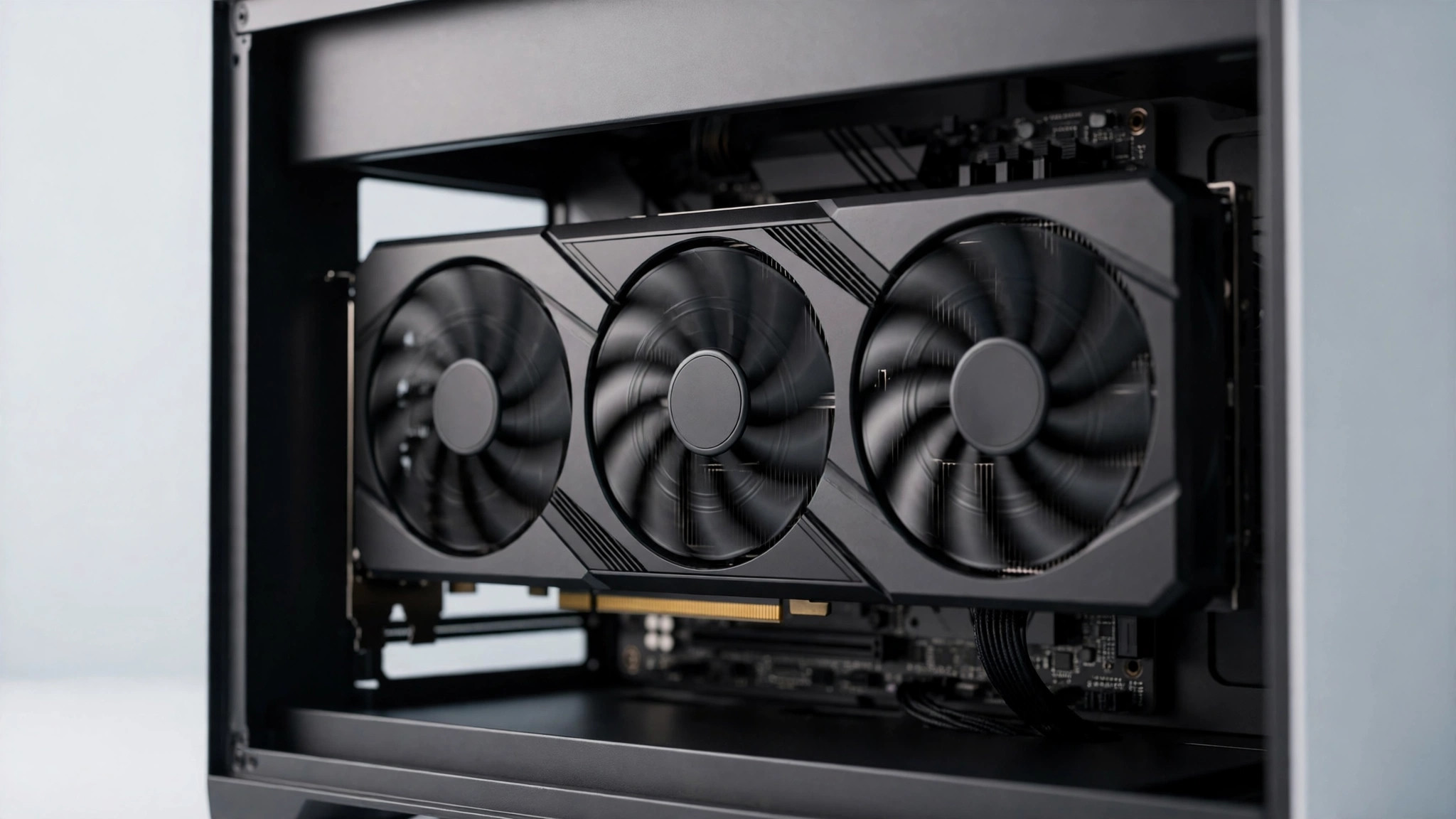
Close view of a graphics card inside a PC case
  • Fixes & Troubleshooting

How to Fix Coil Whine on a New Graphics Card

Henry11 hours ago8 hours ago024 mins

You just installed a brand new graphics card, started a game, and heard a strange high-pitched buzz or whine. It is annoying, and it can make a new PC feel broken. The good news is that this sound has a name, and in most cases it is not a sign that your card is dying….

Read More
Graphics card with still fans inside a PC case at idle
  • Fixes & Troubleshooting

GPU Fan Not Spinning at Idle Is It Normal

Henry1 week ago8 hours ago023 mins

You open the side panel and notice the graphics card fan is not moving at all. No spin, no sound, nothing. It is natural to worry that something is broken, and the question that follows is a common one: GPU fan not spinning at idle is it normal? In most cases, yes. A still fan…

Read More
Graphics card fans spinning fast inside a PC case
  • Fixes & Troubleshooting

How to Fix Loud GPU Fan Noise While Gaming

Henry1 week ago8 hours ago223 mins

Loud fan noise can ruin a good gaming session. You put on a game, the graphics card fans spin up, and soon the PC sounds like a small vacuum cleaner. It is distracting, and it makes you wonder if something is wrong. The good news is that most fan noise has a simple cause, and…

Read More
PC monitor showing a black screen after a driver crash
  • Fixes & Troubleshooting

How to Fix GPU Driver Crash Black Screen Windows 11

Henry1 week ago8 hours ago225 mins

A black screen in the middle of a game is one of the worst things that can happen to a PC gamer. The sound may keep playing, or everything may go quiet, but the screen stays black and nothing you press brings the picture back. In most cases, the cause is a graphics driver crash,…

Read More
  • 1
  • 2
  • 3
  • 4

Recent Posts

  • How to Use DDU to Clean Install GPU Drivers Safely
  • How to Tell If Your GPU Is Dying: Signs Your Graphics Card Is Failing
  • What Does Ti and Super Mean in GPU Names? NVIDIA Naming Explained
  • How to Fix GPU Artifacting: Screen Glitches and Graphical Errors Explained
  • What Is Integrated Graphics vs Dedicated GPU Explained

GPUGuides

Free, practical GPU guides — how to pick the right graphics card, install it, tune it, and fix it when something goes wrong.

Every guide is written in plain language, tested where possible, and free to read.

Categories

  • GPU Basics
  • GPU Setup & Optimization
  • Fixes & Troubleshooting

Quick Links

  • Home
  • About Us
  • Contact Us

Legal

  • Privacy Policy
  • Terms of Service
  • Disclaimer
  • Cookie Policy
  • DMCA
Copyright © 2026 GPUGuides. All rights reserved. | [email protected] Powered By BlazeThemes.