Skip to content
GPUGuides

GPUGuides

  • Home
  • GPU Basics
  • GPU Setup & Optimization
  • Fixes & Troubleshooting
  • About Us
  • Contact Us
PC monitor showing a game with low frame rate and stuttering
  • Fixes & Troubleshooting

How to Fix Game Stuttering With a Good GPU

Henry1 week ago8 hours ago020 mins

It is frustrating when your PC has a good graphics card, yet the game still stutters. The frame rate looks fine on the counter, but the game freezes for a split second every few seconds. This guide shows you how to fix game stuttering with a good GPU, with simple steps you can do at…
Read More
Graphics card inside a PC case running hot while gaming
  • Fixes & Troubleshooting

How to Fix GPU Overheating While Gaming Step by Step

Henry1 week ago8 hours ago120 mins

If your game starts to stutter, your fans get loud, or your PC shuts down in the middle of a match, your graphics card may be overheating. This guide shows you how to fix GPU overheating while gaming step by step, with simple fixes you can do at home, in order, from the easiest to…

Read More
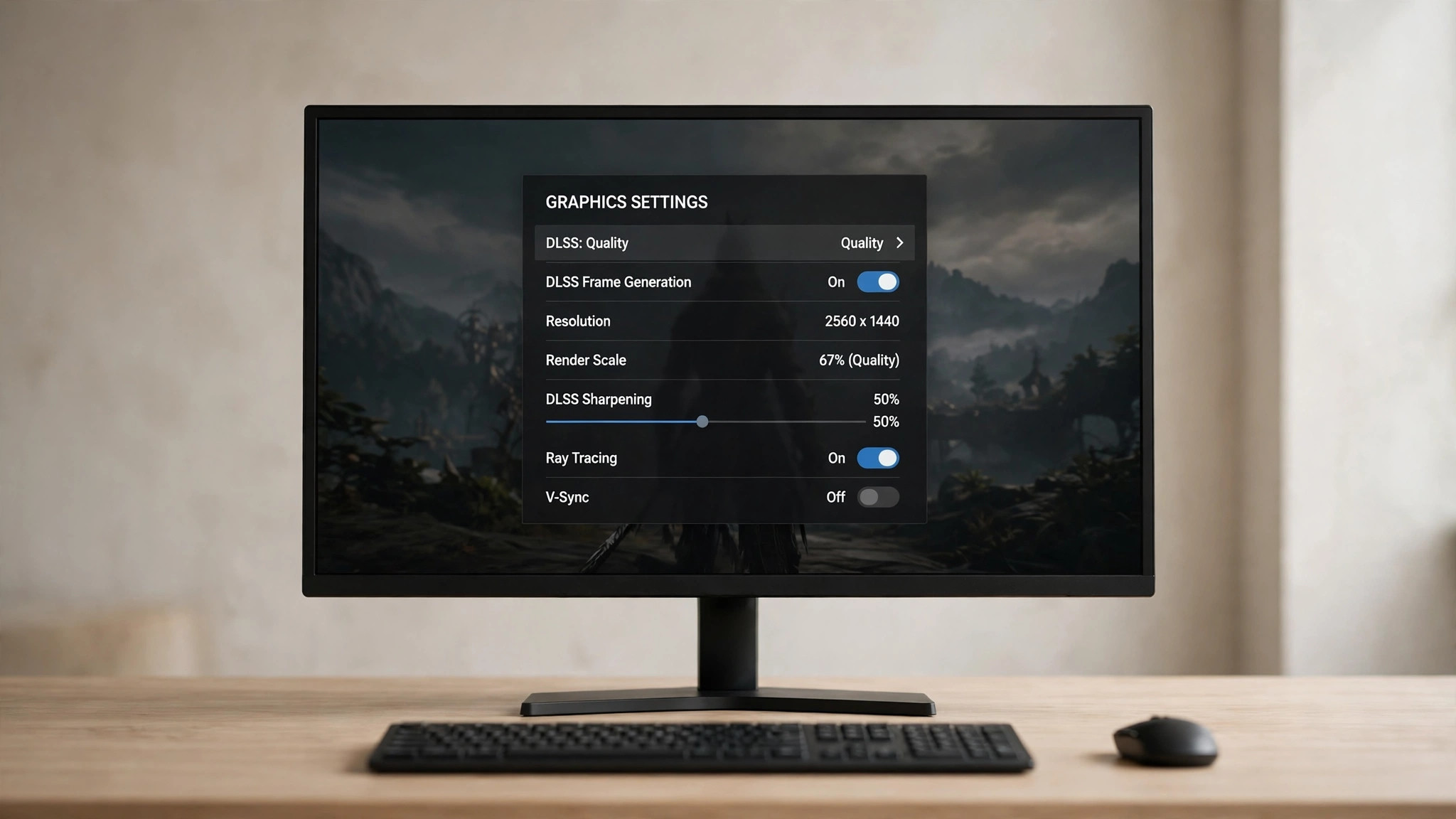
PC monitor showing DLSS graphics settings in a game
  • GPU Basics

What Is DLSS and How Does It Work

Henry1 week ago8 hours ago121 mins

DLSS is one of the most useful settings in modern PC gaming, and it can give you free frame rate. If you want to know what is DLSS and how does it work, this guide explains it in plain words, with no jargon. DLSS stands for Deep Learning Super Sampling. It is a technology from…

Read More
PC monitor showing a game with ray traced reflections
  • GPU Basics

What Is Ray Tracing in Gaming Explained Simply

Henry1 week ago8 hours ago125 mins

If you have ever opened a game’s graphics settings and seen a switch called ray tracing, you may have wondered what it does and whether it is worth turning on. Here is what is ray tracing in gaming explained simply, in plain words, with no jargon. Ray tracing is a way to draw light in…

Read More
PC monitor showing GPU undervolting software with a voltage curve
  • GPU Setup & Optimization

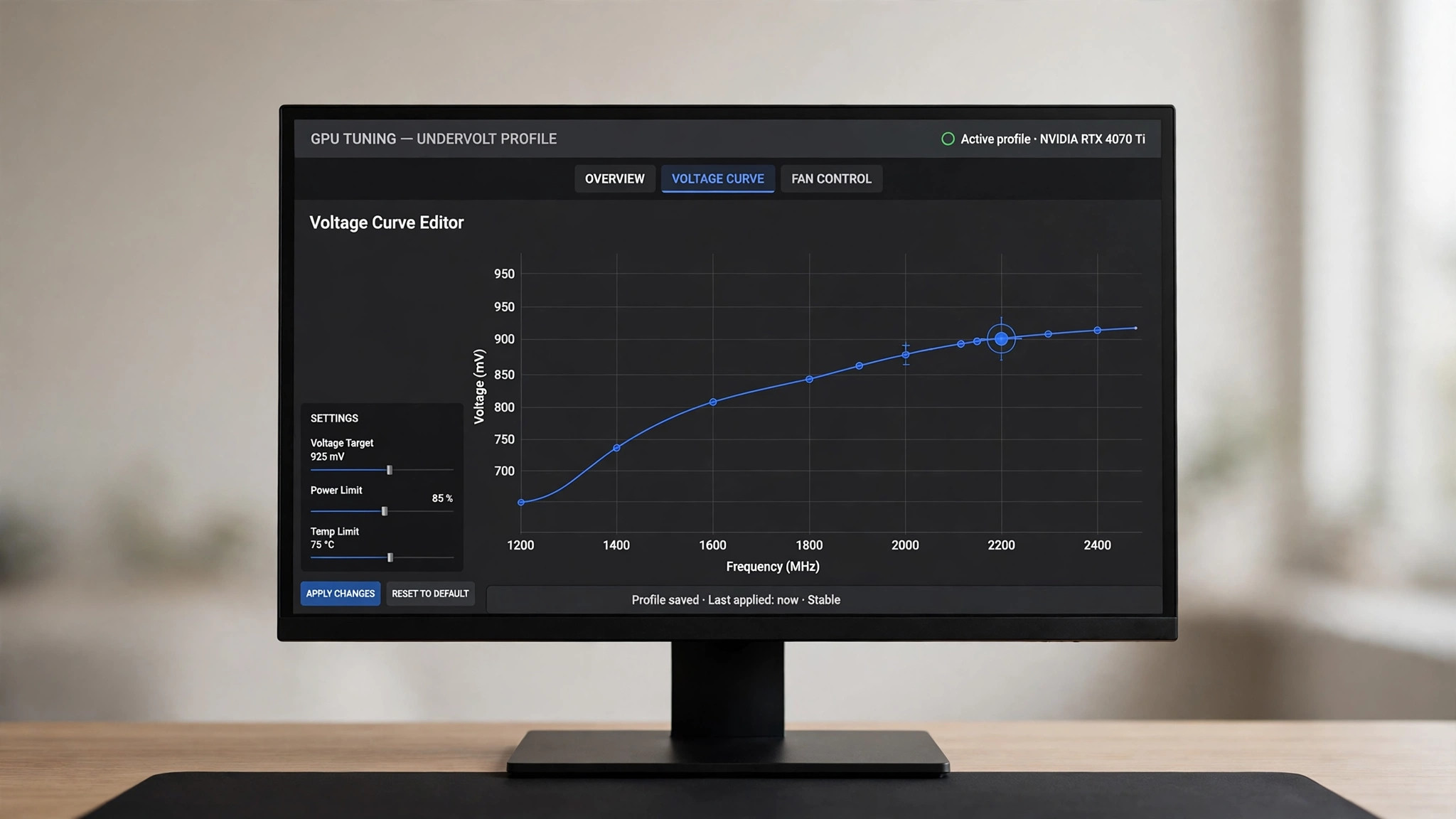
How to Undervolt GPU to Lower Temperature Without Losing FPS

Henry2 weeks ago8 hours ago120 mins

If your graphics card runs hot and loud, you do not have to buy a new cooler or a new card. There is a free fix that lowers the temperature without losing speed: undervolting. It means giving the card a little less voltage while it keeps the same clock speed, so it makes less heat…

Read More
PC monitor showing MSI Afterburner overclocking software
  • GPU Setup & Optimization

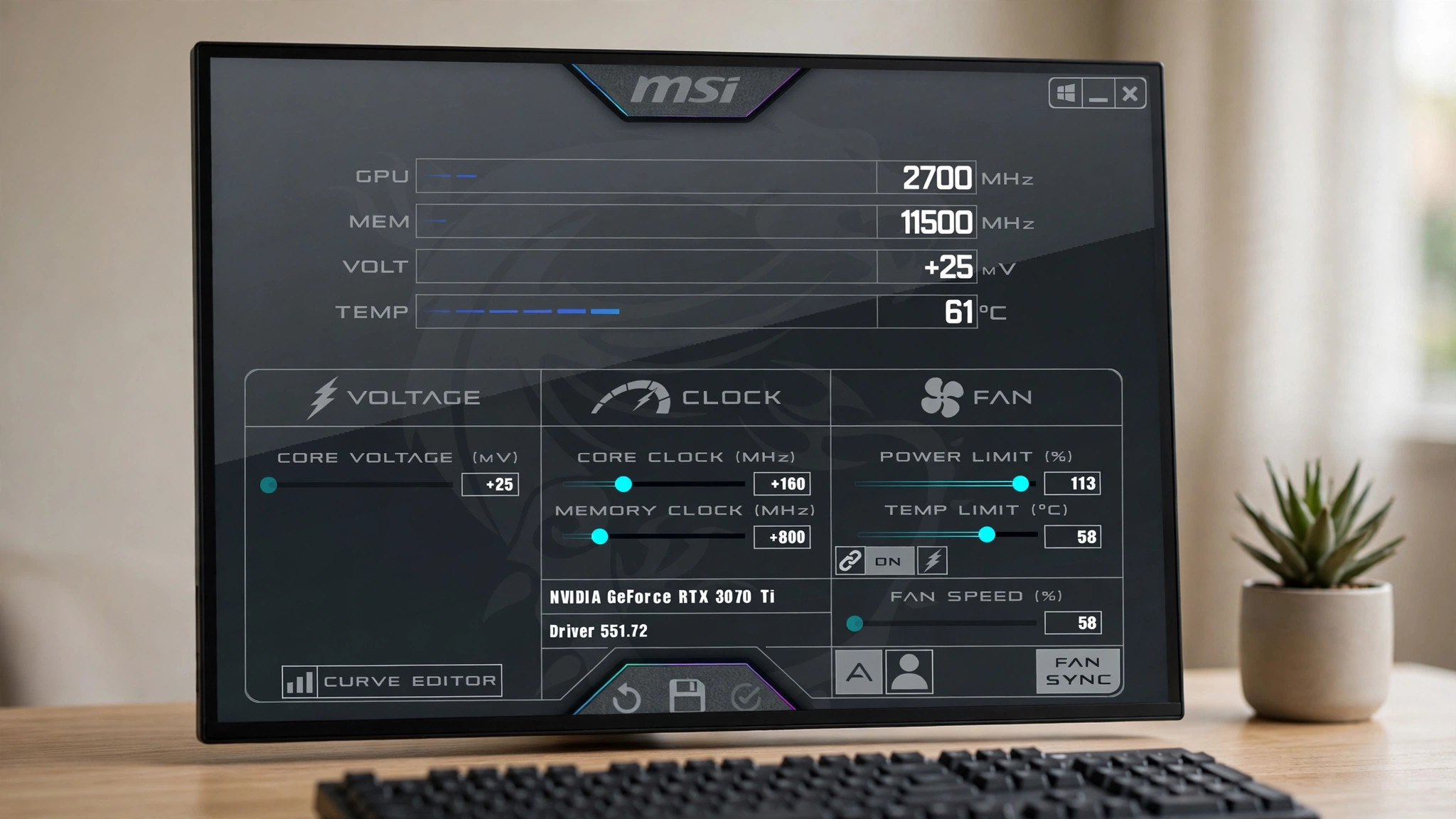
How to Overclock GPU Safely With MSI Afterburner

Henry2 weeks ago8 hours ago321 mins

Overclocking sounds risky, but it is one of the most popular ways to get more speed from a graphics card without buying a new one. It means pushing the card’s clock speed a little above the speed it came with, so games run a few frames faster. Done the right way, it is safe and…

Read More
PC monitor showing a game with GPU usage at 100 percent
  • Fixes & Troubleshooting

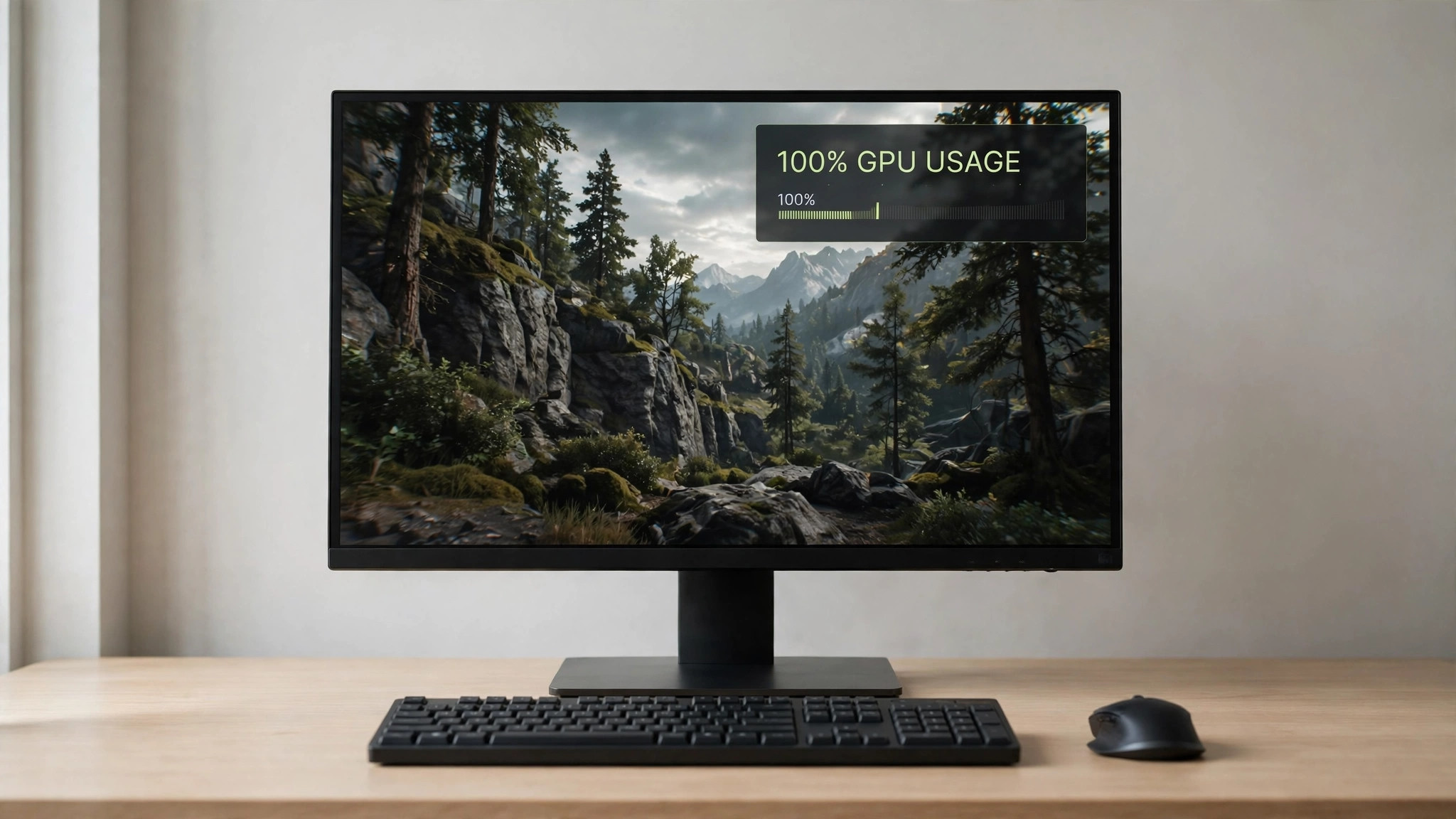
Why Is My GPU Usage 100% While Gaming? Is It Normal?

Henry2 weeks ago8 hours ago020 mins

You open your performance overlay during a game and see it: GPU usage 100%. Your first thought is that something is wrong. Is the card about to fail? Is the game too heavy for it? In most cases, the answer is no. A graphics card that runs at 100% while gaming is usually doing exactly…

Read More
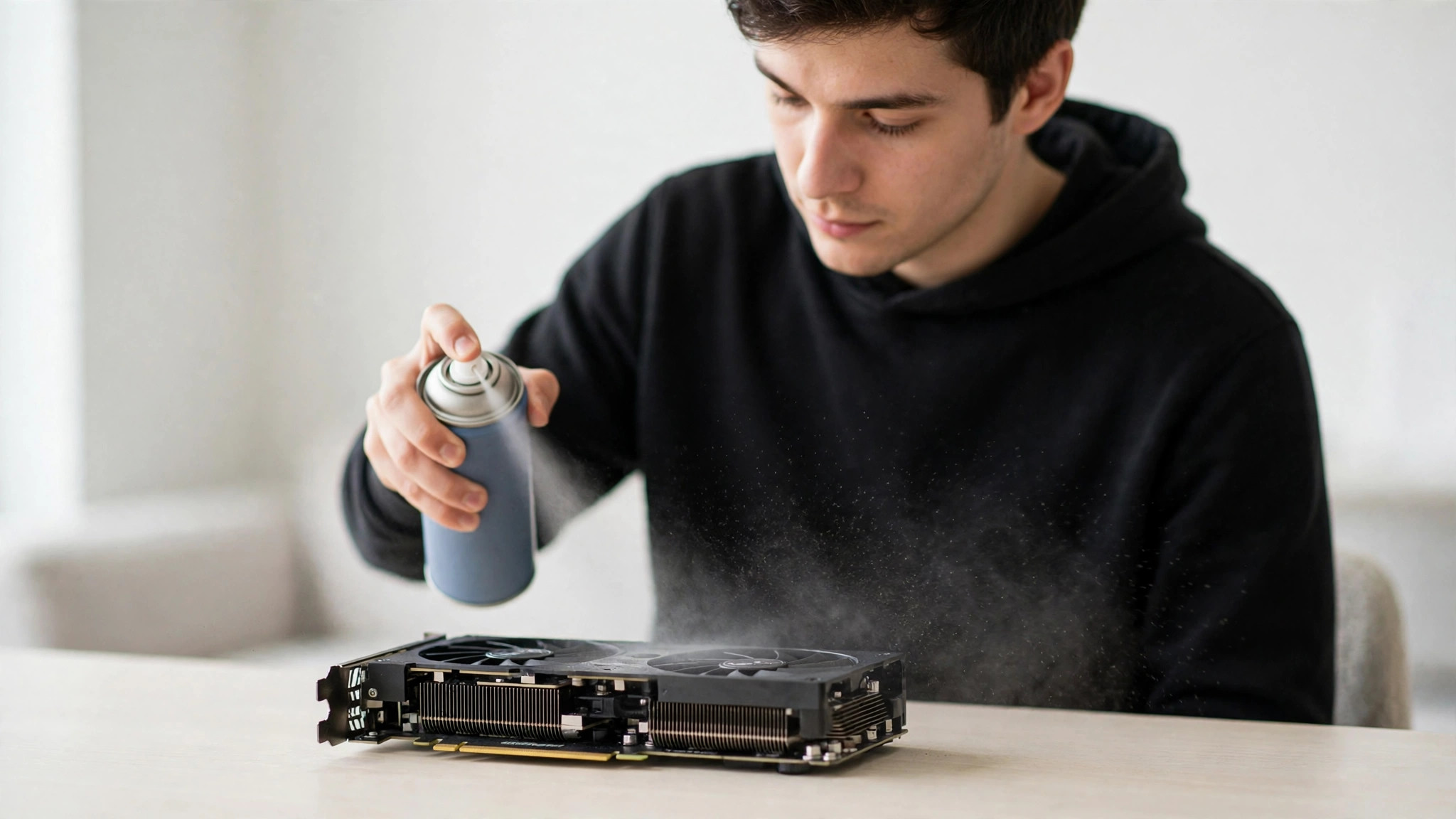
Cleaning a graphics card with compressed air
  • GPU Setup & Optimization

How to Clean a Graphics Card Safely Without Damaging It

Henry2 weeks ago8 hours ago321 mins

Dust builds up inside every PC, and your graphics card collects more than most parts. Its fans pull air through the heatsink all day, and that air carries dust that settles on the blades and between the fins. Over time, the dust makes the card run hotter, the fans spin louder, and games can start…

Read More
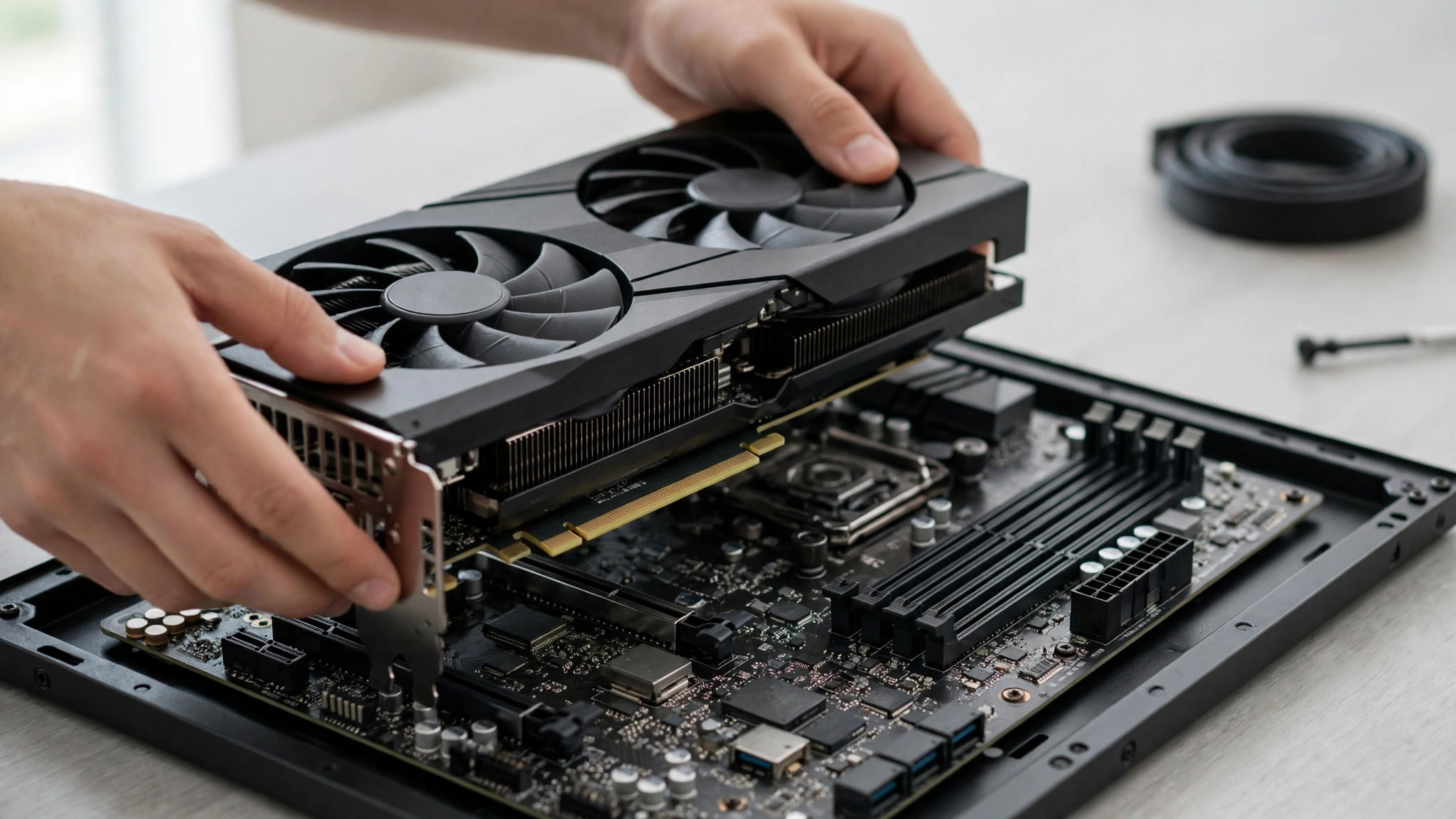
Graphics card being installed into a PC motherboard slot
  • GPU Setup & Optimization

How to Install a Graphics Card Step by Step for Beginners

Henry2 weeks ago8 hours ago223 mins

Installing a graphics card yourself sounds hard, but it is one of the easiest upgrades you can make to a PC. There are no tiny wires to solder and no settings to program. You slide the card into a slot, connect one or two power cables, and turn the PC on. If you are a…

Read More
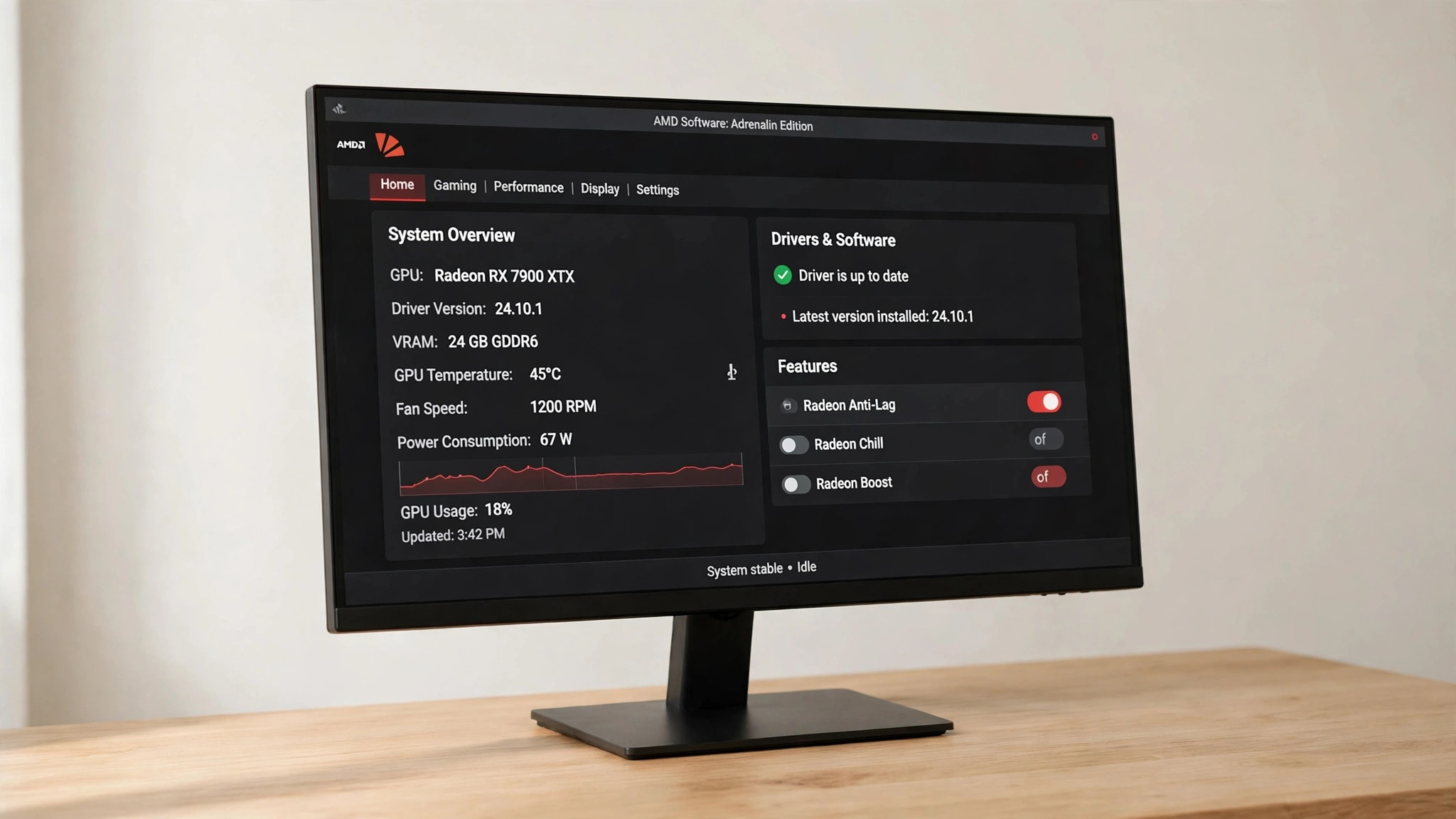
Computer monitor showing graphics card driver software on a clean desk
  • GPU Setup & Optimization

How to Update GPU Drivers Safely: Nvidia, AMD, and Intel

Henry2 weeks ago8 hours ago925 mins

Updating your graphics card driver is one of the simplest ways to keep your games running well, fix small glitches, and get the best performance from your GPU. A driver is the software that lets Windows talk to your graphics card. When it is out of date, you can run into crashes, low frame rates,…

Read More
  • 1
  • 2
  • 3
  • 4

Recent Posts

  • How to Use DDU to Clean Install GPU Drivers Safely
  • How to Tell If Your GPU Is Dying: Signs Your Graphics Card Is Failing
  • What Does Ti and Super Mean in GPU Names? NVIDIA Naming Explained
  • How to Fix GPU Artifacting: Screen Glitches and Graphical Errors Explained
  • What Is Integrated Graphics vs Dedicated GPU Explained

GPUGuides

Free, practical GPU guides — how to pick the right graphics card, install it, tune it, and fix it when something goes wrong.

Every guide is written in plain language, tested where possible, and free to read.

Categories

  • GPU Basics
  • GPU Setup & Optimization
  • Fixes & Troubleshooting

Quick Links

  • Home
  • About Us
  • Contact Us

Legal

  • Privacy Policy
  • Terms of Service
  • Disclaimer
  • Cookie Policy
  • DMCA
Copyright © 2026 GPUGuides. All rights reserved. | [email protected] Powered By BlazeThemes.