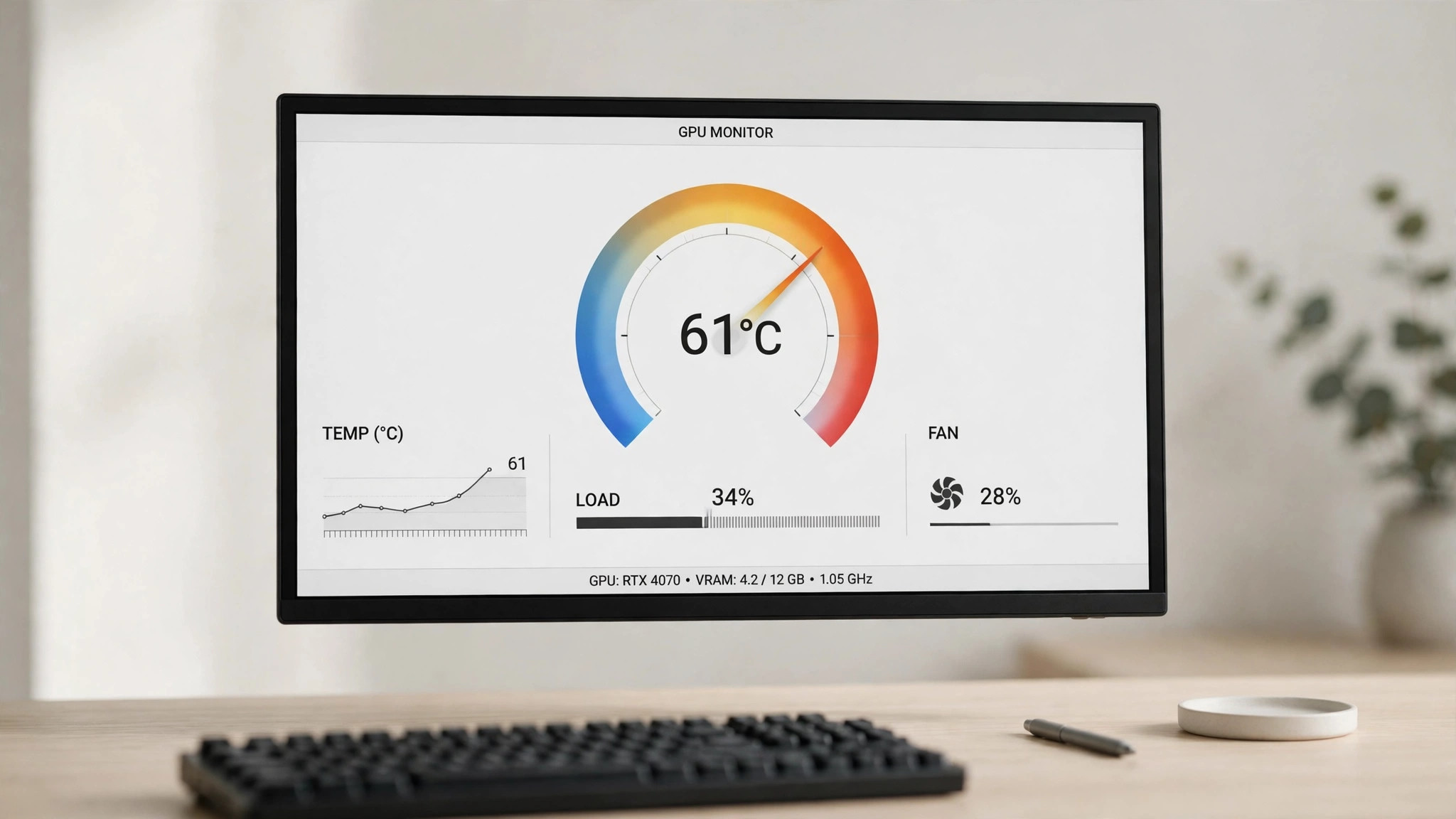
Integrated graphics vs dedicated GPU is the choice that shapes what your computer can do, how much it costs, and how smoothly your games and apps run. Every modern computer has some kind of graphics hardware, but not all of it works the same way. Integrated graphics are built into your processor and share memory with the rest of the system, while a dedicated GPU is a separate card with its own memory and cooling. If you are buying a laptop, building a desktop, or wondering why your games stutter, understanding the difference will save you money and frustration.
In this guide, you will learn what integrated graphics and dedicated GPUs actually are, how they compare on performance, power use, and price, and which one makes sense for gaming, work, and everyday use. By the end, you will know exactly which option fits your needs and your budget.
What Is Integrated Graphics?
Integrated graphics, sometimes called an iGPU, is a graphics processor built into the same chip as your CPU. Intel calls its version Intel Iris Xe or Intel UHD Graphics, while AMD builds Radeon graphics into its Ryzen processors with names like the Radeon 780M. Apple takes a similar approach with the graphics cores inside its M-series chips. Because the graphics processor lives on the CPU, it does not need its own circuit board, memory chips, or fans.
Instead of dedicated video memory, integrated graphics borrow a share of your system RAM. If your computer has 16 GB of RAM, a portion of it is reserved for graphics tasks. That shared arrangement keeps costs down and uses very little power, which is why integrated graphics are standard in thin laptops, office PCs, and budget desktops. You can learn more about how graphics memory works in our guide to what VRAM is and what it does in a graphics card.
Modern integrated graphics are far more capable than the weak onboard graphics of a decade ago. A current AMD Radeon 780M or Intel Arc-based integrated GPU can run many popular games at 1080p with modest settings, handle 4K video playback, and drive two or more monitors. For web browsing, office work, streaming, and light photo editing, integrated graphics are usually more than enough. Their limits show up when you push them hard: demanding 3D games, large video edits, and 3D rendering all need more power than a chip sharing space with the CPU can provide.
What Is a Dedicated GPU?
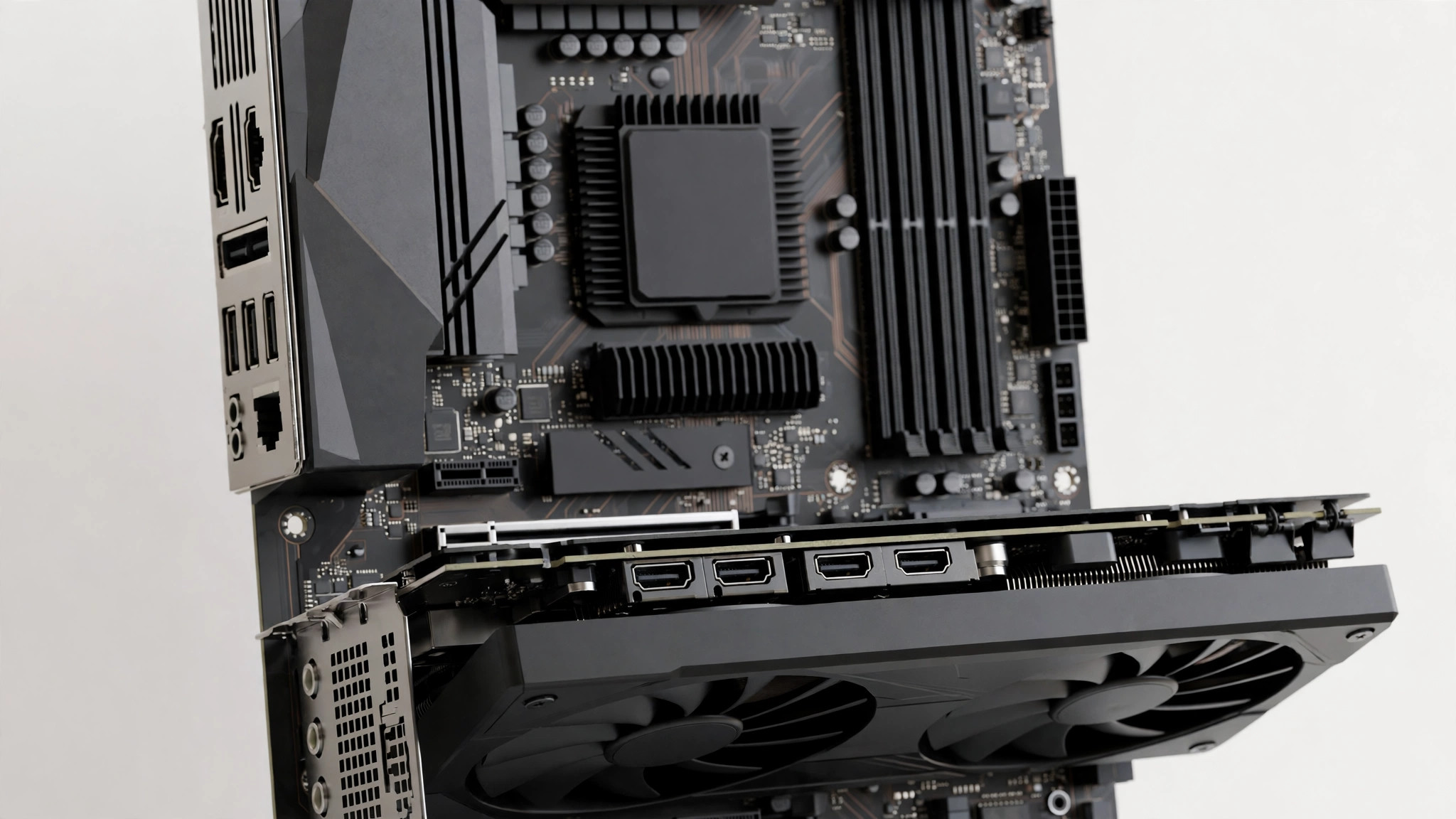
A dedicated GPU, also called a discrete GPU, is a separate piece of hardware built only for graphics work. In a desktop PC it is a full graphics card that slots into the PCIe slot on your motherboard and has its own processor, its own high-speed memory (GDDR6 or GDDR6X), its own cooling fans, and its own power connectors. In a laptop it is a separate chip on the motherboard with its own memory, such as an NVIDIA GeForce RTX 4060 or an AMD Radeon RX 7700S.
Because a dedicated GPU has its own resources, it does not compete with the CPU for memory or cooling. It can have thousands of processing cores, far more than any integrated solution, and it can draw much more power, from around 50 watts in an entry-level laptop GPU to 300 watts or more in a high-end desktop card. That extra hardware is what makes high frame rates, ray tracing, and AI features like DLSS and FSR possible. If you are not sure which card you have, our guide on how to check what graphics card you have in Windows 11 walks through it step by step.
Dedicated GPUs are the standard choice for serious gaming, 3D rendering, video editing, and machine learning. They also cost more, use more power, and take up more space. A desktop graphics card can cost anywhere from around $200 for a budget model to well over $1,000 for a flagship, and you need a case, power supply, and cooling to support it. You can compare real-world results in our guide on how to test GPU performance and benchmark it correctly.
Integrated Graphics vs Dedicated GPU: Key Differences
The table below sums up the main differences at a glance.
| Feature | Integrated Graphics | Dedicated GPU |
|---|---|---|
| Location | Built into the CPU | Separate card or chip |
| Video memory | Shared system RAM | Own GDDR memory (4-24 GB) |
| Performance | Good for everyday tasks and light gaming | High frame rates, ray tracing, AI features |
| Power use | Very low (a few watts to about 30 W) | 50-450 W depending on the card |
| Cost | Included with the CPU | $200-$1,600+ for the card alone |
| Upgradeable | No (tied to the CPU) | Yes, in most desktop PCs |
| Best for | Office work, streaming, casual gaming | Demanding games, editing, 3D work |
Gaming Performance: How Big Is the Gap?
Gaming is where the gap between integrated graphics and a dedicated GPU is easiest to see. A modern integrated GPU can run popular esports titles such as Valorant, League of Legends, Rocket League, and Counter-Strike 2 at 1080p with lowered settings, often reaching 60 frames per second or more. Older games and indie titles usually run fine too. For a casual player who mainly enjoys lighter games, that is genuinely enough.
The picture changes with demanding AAA games. Titles such as Cyberpunk 2077, Alan Wake 2, or the latest Call of Duty expect far more graphics power than an integrated chip can deliver. On integrated graphics these games may run at 20-30 frames per second on the lowest settings, with stuttering and long load times. A dedicated GPU in the same price range as a mid-range gaming laptop, such as an RTX 4060, can run those same games at 60 frames per second or more at 1080p or even 1440p with high settings. The difference is not subtle: it is the difference between a game that feels smooth and one that feels broken.
Frame generation and upscaling also widen the gap. Technologies like NVIDIA DLSS and AMD FSR use AI to render at a lower resolution and upscale the image, giving you extra frames for very little cost. These features run best on dedicated GPUs, and the newest versions need dedicated hardware such as tensor cores. Our guide to what frame generation is and how it works explains how these tools turn a mid-range card into a much smoother gaming experience. Integrated graphics support basic upscaling in some games, but they cannot match the dedicated hardware approach.
Resolution matters too. At 1080p, integrated graphics can hold their own in light games. At 1440p or 4K, the extra pixels multiply the workload, and integrated graphics fall behind quickly. If you plan to play on a high-resolution monitor, a dedicated GPU is almost a requirement. And if your frame rate drops even with a good card, our guide on how to fix low FPS with a good graphics card covers the settings and driver checks that usually fix it.
Performance for Work: Editing, 3D, and AI
Outside of gaming, a dedicated GPU speeds up a long list of professional tasks. Video editors working in Premiere Pro or DaVinci Resolve get faster previews, smoother timeline scrubbing, and much quicker exports when a dedicated GPU handles effects and encoding. A 10-minute 4K export that takes 20 minutes on integrated graphics might take five minutes on a mid-range dedicated card. For creators who edit video every day, that time adds up to hours every week.
3D work shows an even bigger gap. Blender, Maya, and similar tools use the GPU for rendering, and a dedicated card with hundreds or thousands of cores can finish a render in minutes that would take an integrated GPU hours. The same is true for CAD software, architectural visualization, and engineering simulations. If your work involves 3D models, a dedicated GPU is not a luxury, it is a tool that directly affects how much work you can finish in a day.
AI tasks are the newest reason to want a dedicated GPU. Local AI image generation, large language models, and photo tools all run on GPU compute. Integrated graphics can run small AI models, but they are slow and limited by shared memory. A dedicated GPU with 8 GB or more of VRAM can run much larger models comfortably. For everyday office work, though, the story is different: writing documents, spreadsheets, video calls, and web browsing use so little graphics power that integrated graphics handle them easily, and a dedicated GPU would sit idle most of the day.
Power, Heat, and Noise
Power use is one of the biggest practical differences between the two options. Integrated graphics draw only a few watts at idle and rarely more than 15-30 watts under load, because they share the CPU’s power budget. That is why thin laptops with integrated graphics can run for 10 hours or more on a battery and stay cool and quiet. There are no extra fans to spin up and no extra heat to push out of a slim chassis.
A dedicated GPU changes that equation. Even a modest laptop GPU adds 50-80 watts under load, and a desktop card can draw 200 watts or more. That power becomes heat, and heat needs fans. Gaming laptops with dedicated GPUs are thicker, heavier, and louder, and their battery life while gaming is often two hours or less. Desktop PCs need a stronger power supply, better case airflow, and more cooling. If you value silence and battery life, integrated graphics win easily. If you want maximum performance, you accept the heat and noise as the price. To keep temperatures in check, see our guide on how to check GPU temperature while gaming on Windows 11 and our article on what temperature your GPU should be while gaming.
Price and Value
Integrated graphics are effectively free, because they come with the processor you were buying anyway. A laptop with integrated graphics can cost $500-800 and handle everyday computing well. A laptop with a dedicated GPU usually starts around $900-1,000 and climbs quickly, with gaming laptops often costing $1,500 or more. On the desktop side, a dedicated card alone can cost as much as an entire budget PC.
Value depends on what you do with the machine. If you only browse, stream, and work in office apps, paying extra for a dedicated GPU buys performance you will never use. If you game or edit video, the extra cost pays for itself in smoother performance and faster work. There is also the upgrade question: a desktop with a dedicated GPU can be upgraded later by swapping the card, while integrated graphics can only be improved by replacing the whole CPU. That upgrade path is worth real money over the life of a PC. You can compare current cards in the TechPowerUp GPU database, which lists specifications and relative performance for hundreds of models.
Which One Should You Choose?
The right choice depends on how you use your computer. Use the two lists below as a quick guide.
Choose integrated graphics if you…
- Mainly browse the web, stream video, and use office apps
- Play light or older games, or esports titles at modest settings
- Want a thin, light laptop with long battery life
- Are building a budget PC and want to keep costs down
- Work mostly with documents, email, and video calls
Choose a dedicated GPU if you…
- Play demanding AAA games or want high frame rates at 1440p or 4K
- Edit video, render 3D scenes, or work with CAD
- Run local AI tools or machine learning workloads
- Want ray tracing, DLSS, or FSR for the best-looking games
- Plan to upgrade your graphics later without replacing the whole PC
Can You Use Both at the Same Time?
Yes, in many systems both graphics processors are present and the computer switches between them. Laptops with a dedicated GPU usually run everyday tasks on integrated graphics to save battery, then switch to the dedicated GPU when you launch a game or a demanding app. This is called switchable graphics, and it happens automatically in Windows. Desktops can also have both: the CPU’s integrated graphics can drive a second monitor while the dedicated card handles gaming, for example.
You can check which GPU is active in Windows Task Manager under the Performance tab, or in the graphics settings for a specific app. If a game is running on integrated graphics by mistake, it will perform far worse than it should, so this is worth checking when a new game stutters. Some laptops also have a MUX switch in the BIOS or in the manufacturer’s software that lets you force the dedicated GPU to stay on for maximum performance, at the cost of battery life.
Common Mistakes When Choosing Graphics
The most common mistake is buying more graphics power than you need. A $1,200 graphics card in a PC used only for email and streaming is money that could have gone to a better monitor, more storage, or a faster CPU. The opposite mistake is just as common: buying a thin laptop with integrated graphics and then being disappointed when a demanding game runs poorly. Match the hardware to the work you actually do, not the work you imagine you might do one day.
Another mistake is ignoring the rest of the system. A dedicated GPU needs a power supply that can feed it, a case with enough airflow, and a CPU fast enough to keep up. Pairing a high-end card with a weak CPU creates a bottleneck, and the card never reaches its potential. Similarly, integrated graphics depend heavily on system RAM: a laptop with 8 GB of slow single-channel RAM will hold back even a good integrated GPU, while 16 GB of fast dual-channel RAM can improve integrated graphics performance by a noticeable amount. If you are comparing cards, check the manufacturer’s pages, such as NVIDIA GeForce and AMD Radeon graphics, for current models and specifications.
Conclusion
Integrated graphics and dedicated GPUs solve different problems. Integrated graphics are built into your CPU, share your system memory, and handle everyday computing, streaming, and light gaming with very little power or cost. A dedicated GPU is separate hardware with its own memory and cooling, built for high frame rates, demanding games, video editing, 3D work, and AI. Neither is better in every situation: the right choice is the one that matches how you actually use your computer. If you mainly browse, work, and play lighter games, integrated graphics are enough and will save you money, heat, and battery life. If you play demanding games or do creative work, a dedicated GPU is worth every dollar. Whichever you choose, make sure the rest of your system, especially your RAM and power supply, can support it.
FAQs
Is integrated graphics good enough for gaming?
For light and older games, yes. Modern integrated graphics can run esports titles and indie games at 1080p with modest settings. For demanding AAA games at high settings, a dedicated GPU is much better.
Can I add a dedicated GPU to a laptop with integrated graphics?
Usually no. Most laptop GPUs are soldered to the motherboard and cannot be upgraded. Some laptops support an external GPU enclosure over Thunderbolt, but that is an expensive workaround. Desktops, by contrast, can almost always accept a dedicated graphics card.
Does integrated graphics use RAM?
Yes. Integrated graphics have no memory of their own, so they reserve a portion of your system RAM for graphics tasks. More and faster RAM, especially in dual-channel mode, improves integrated graphics performance.
Do I need a dedicated GPU for video editing?
It depends on the work. Short 1080p edits are fine on integrated graphics, but 4K editing, heavy effects, and color grading are much faster with a dedicated GPU.
Can I use integrated graphics and a dedicated GPU together?
Yes. Many laptops switch between them automatically, using integrated graphics for light work and the dedicated GPU for games and demanding apps. You can also use integrated graphics to drive an extra monitor on a desktop.
Henry is the founder and writer behind GPUGuides, based in Los Angeles, California, USA. He writes practical, step-by-step GPU guides in plain English to help gamers and PC owners get the best out of their graphics cards.